After tire rotation, new sensors, or seasonal tire swaps, the tire pressure monitoring system often needs a relearn procedure. Some vehicles use OBD2-triggered relearn; others use a dash or tool sequence.
Systems involved
- TPMS module
- Wheel pressure sensors
- Body control module
Step-by-step procedure
- Inflate all tires to the placard pressure on the driver door jamb.
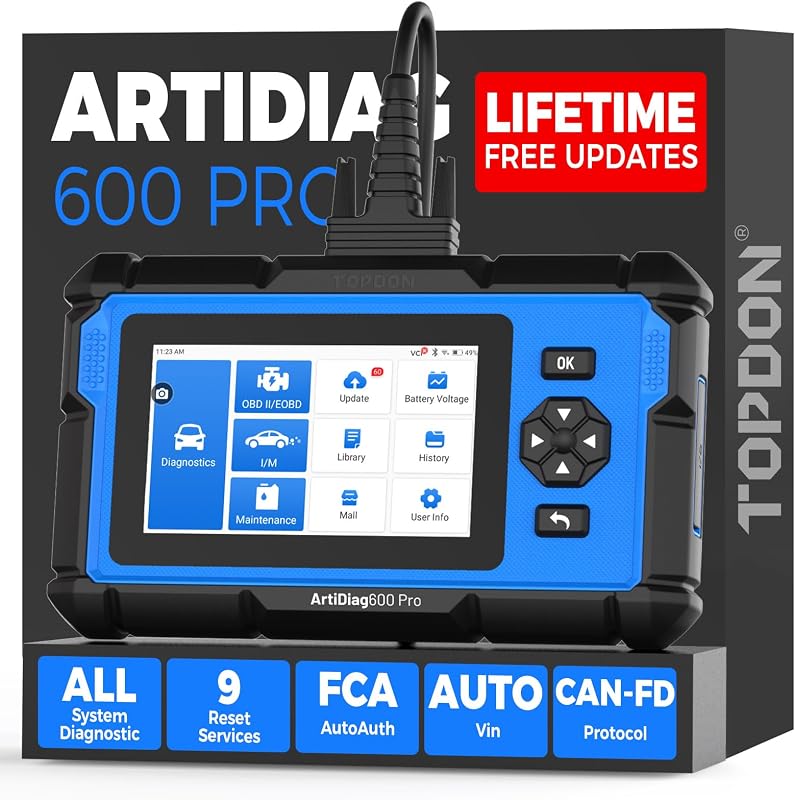
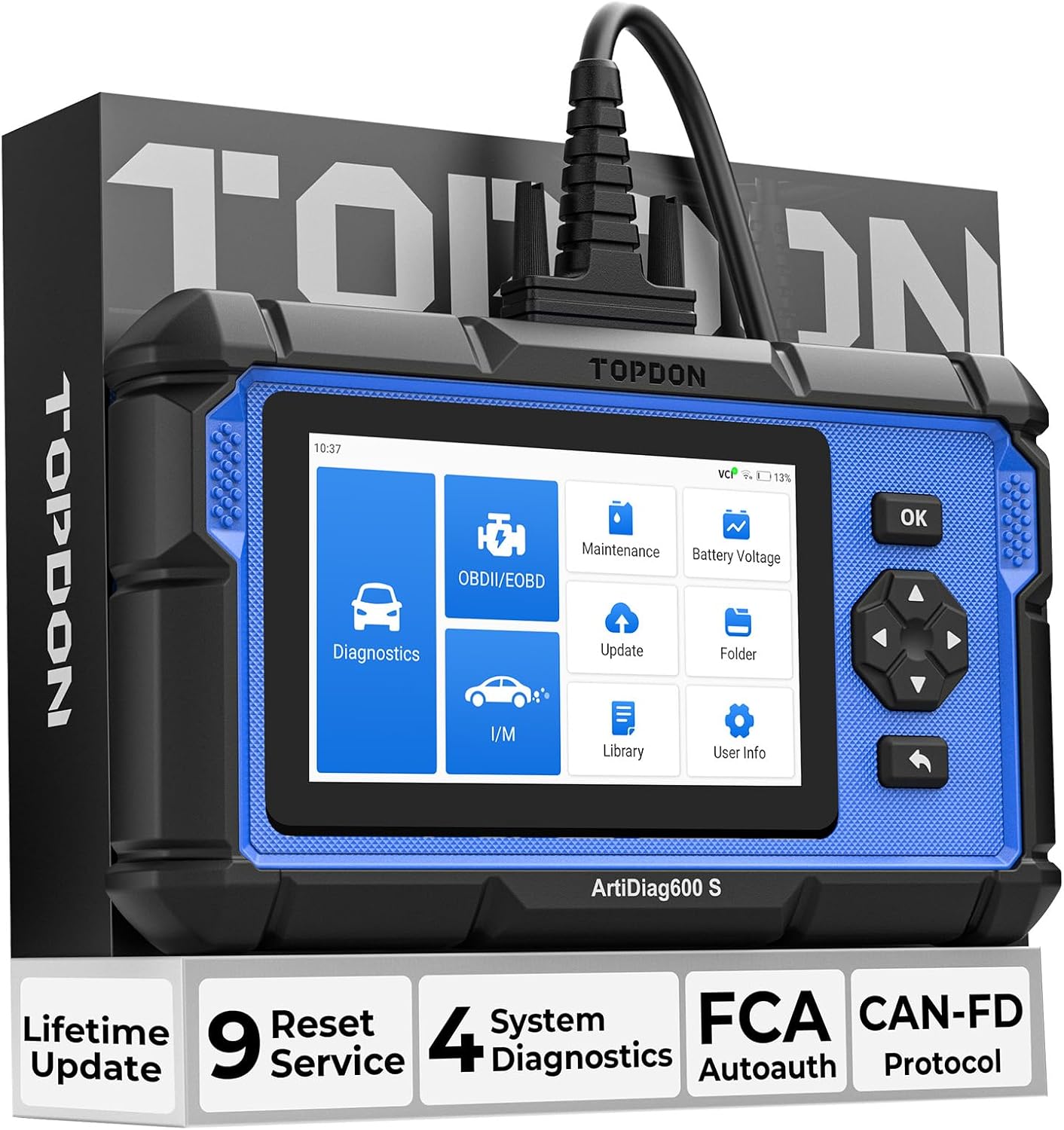
- Connect your TOPDON scanner and locate TPMS Relearn / Reset in the service menu.
- Select the correct relearn type: OBD-triggered, stationary, or drive cycle (vehicle-specific).
- For OBD relearn: follow prompts to activate each sensor in the order shown (often LF, RF, RR, LR).
- Drive the vehicle for 5–10 minutes if a drive-cycle relearn is required.
- Confirm all tire pressures display correctly on the dashboard.
Important warnings
- Aftermarket TPMS sensors must match the vehicle protocol — relearn will fail with incompatible sensors.
- Some TPMS tools require a separate RF activation tool; verify your TOPDON model supports OBD relearn for your make.
Related guides
<a href="/oil-reset-service-light/">How to Reset the Oil Service Light with a TOPDON Scanner</a> · <a href="/sas-steering-angle-calibration/">Steering Angle Sensor (SAS) Calibration Guide</a>