Ford-specific code meaning monitors have not finished since last clear — not a parts failure. Drive cycles needed before emissions test.
Common symptoms
- Cannot pass smog until ready
- No performance symptoms
Typical causes
- Recent code clear or battery disconnect
- Insufficient drive cycles
- Monitor not run due to short trips
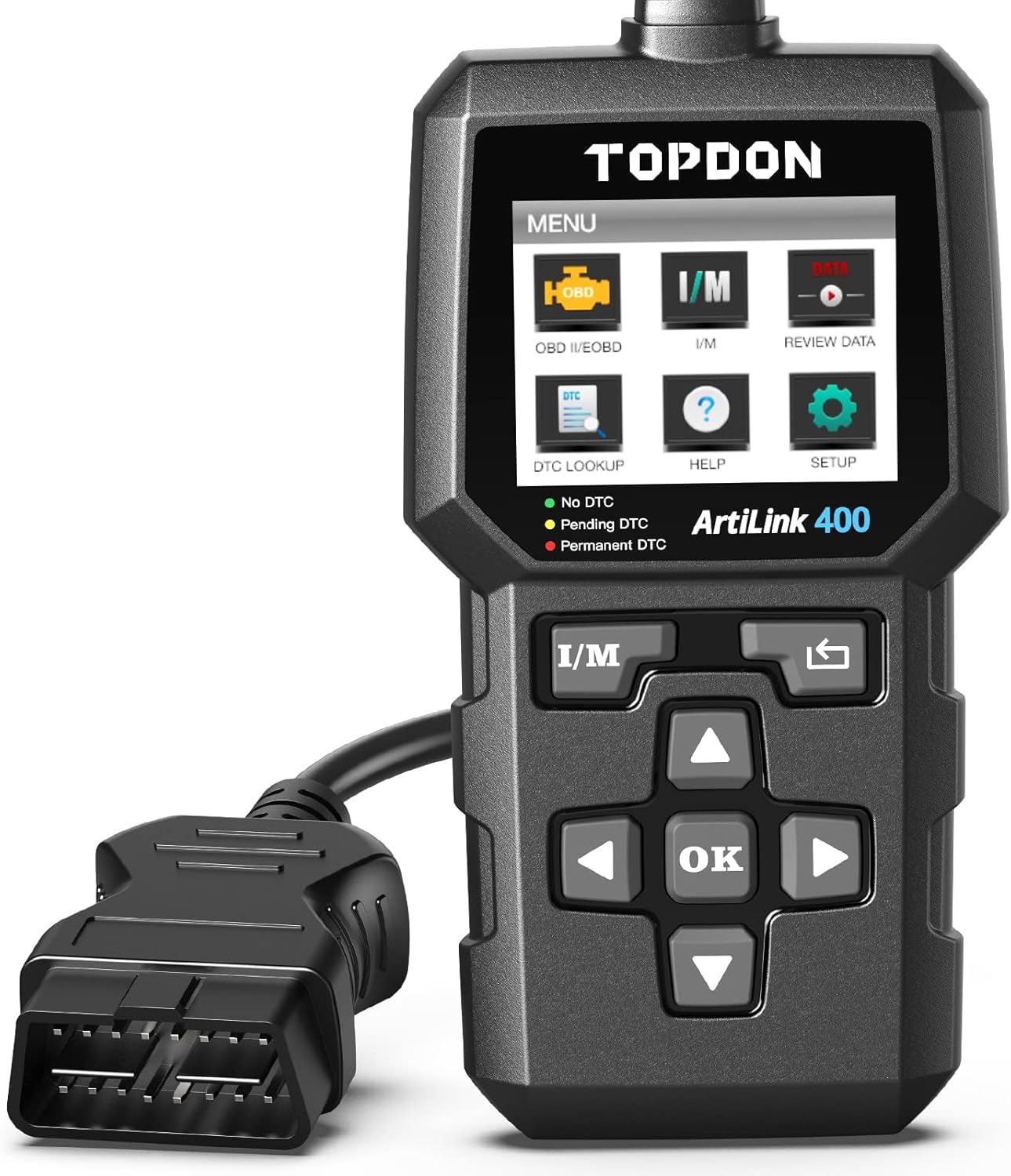
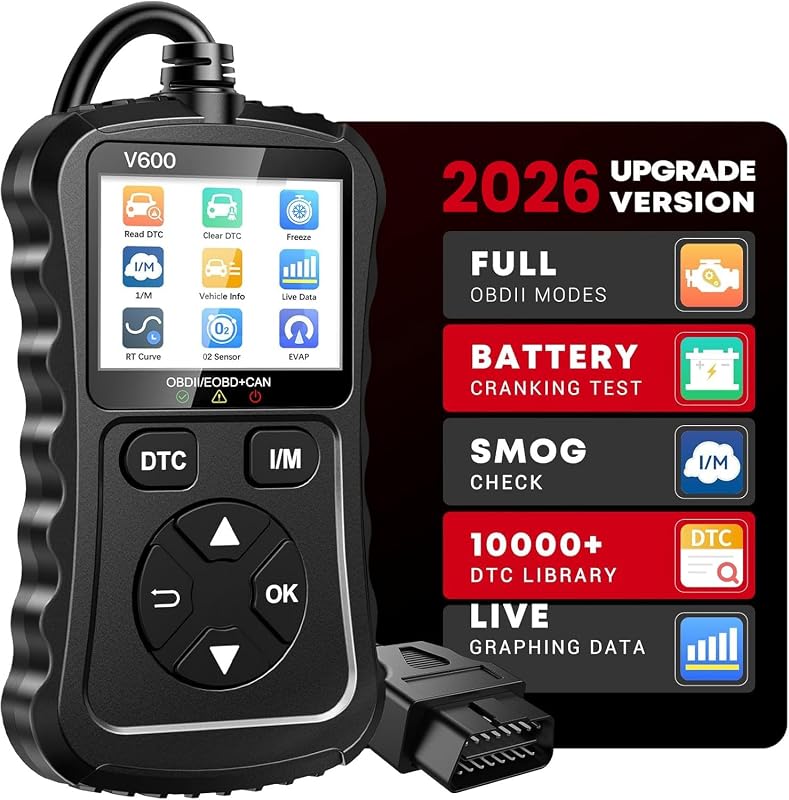
What scanner do you need?
Basic OBD2 code reader (engine codes, live data, smog readiness)
Use live data and freeze frame to confirm the fault before replacing parts. ABS, SRS, and network U-codes usually require a full-system scanner.
Diagnostic tips
- Record freeze frame data when the code first sets
- Clear the code only after fixing the root cause
- Check for related pending codes that point to a common issue
- Verify battery voltage is above 12.4V before chasing sensor codes