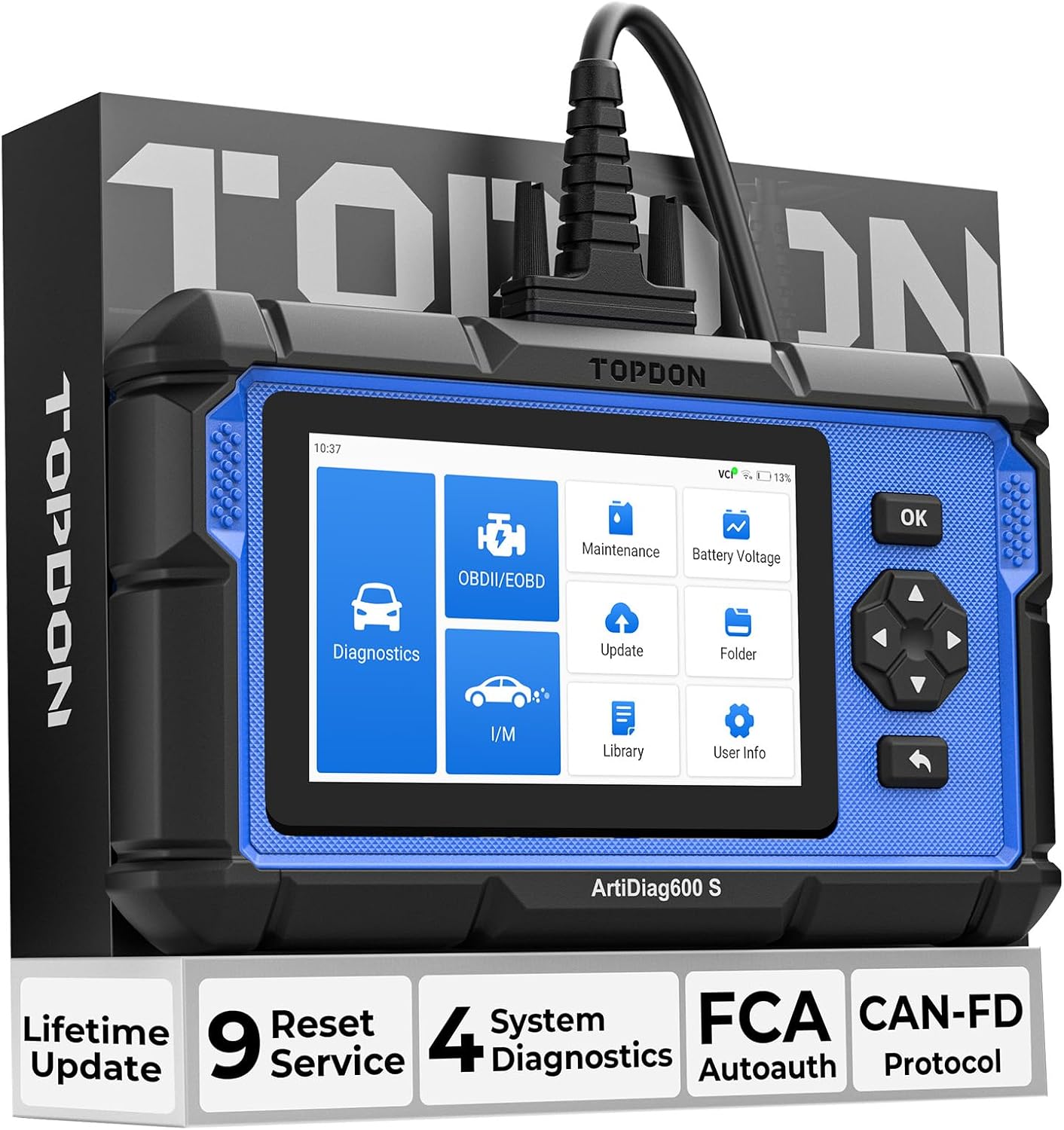
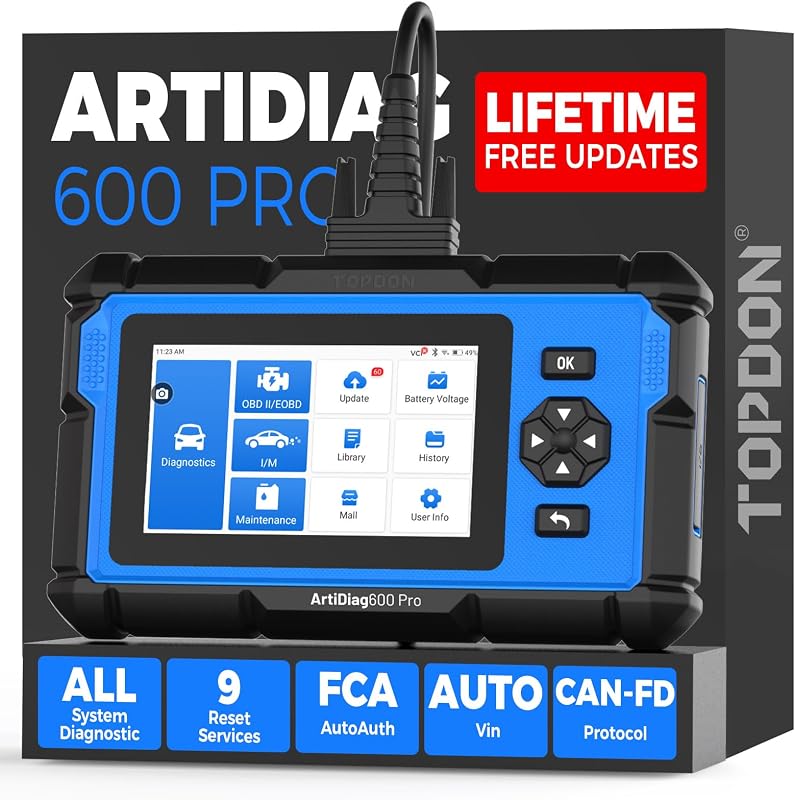
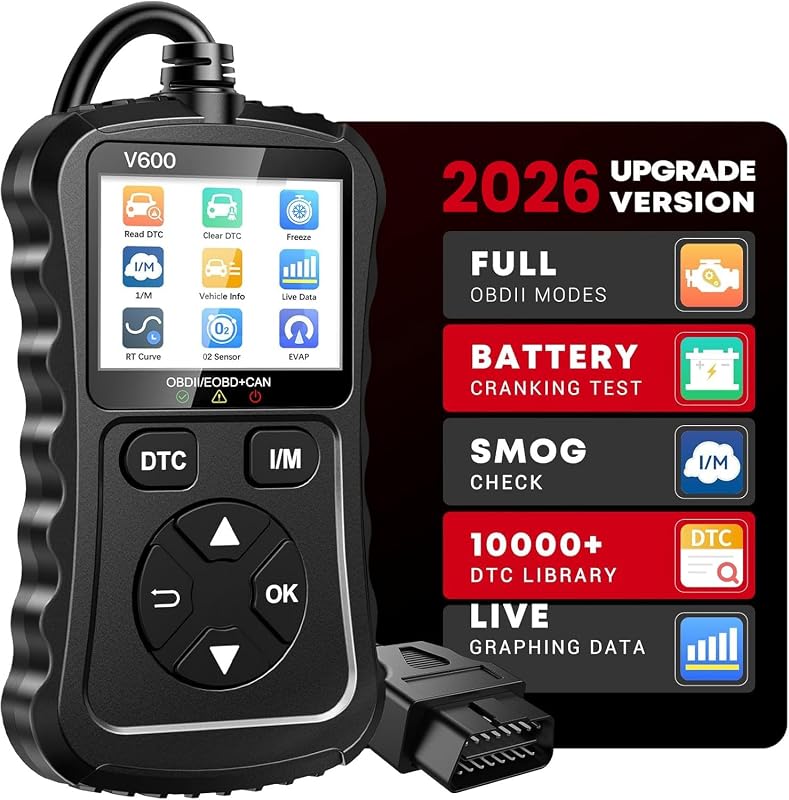
After an oil change, many vehicles require a manual service reset through the instrument cluster or a scan tool. A basic code reader cannot always perform this — you need a scanner with service functions.
Systems involved
- Engine
- Instrument cluster
- Maintenance reminder
Step-by-step procedure
- Complete the oil and filter change using the correct grade and capacity for your vehicle.
- Connect your TOPDON scanner to the 16-pin OBD2 port and turn the ignition to ON (engine off).
- Navigate to Service / Maintenance / Oil Reset in the scanner menu (wording varies by model).
- Select your vehicle make, model, and year if prompted, or use AutoVIN where supported.
- Follow on-screen prompts to reset the oil life monitor or service interval.
- Verify the dashboard oil reminder cleared — cycle the ignition if the display does not update immediately.
Important warnings
- Only reset the oil light after the oil change is actually done — resetting without service causes premature engine wear.
- Some vehicles require a specific button sequence on the dash; the scan tool method is often faster when supported.
Related guides
<a href="/epb-retract-electronic-parking-brake/">EPB Retract: Electronic Parking Brake Service Mode</a> · <a href="/tpms-relearn-reset/">TPMS Relearn and Reset Procedure</a>