Choosing an OBD2 scanner for Tesla vehicles means matching module coverage, service functions, and model-year support. This guide covers TOPDON tools that work best for Tesla owners — from basic check-engine diagnostics to full-system bi-directional scanning.
Why Tesla owners need more than a basic code reader
A generic OBD2 reader only accesses powertrain codes. Tesla diagnostics often require ABS, SRS, transmission, and body module access — especially for service resets and network U-codes. Brand-configured TOPDON scanners include the correct software profile for Tesla.
Key capabilities
- Tesla uses limited standard OBD2 — most diagnostics run through the vehicle UI and Tesla service
- TOPDON tools can read generic OBD2 where Tesla exposes the port (emissions-related, some modules)
- Useful for reading basic codes and battery voltage checks alongside BT100 Pro
- Not a replacement for Tesla Toolbox or service center for high-voltage systems
Service functions on supported models
- Generic OBD2 where exposed
- 12V battery health check
- Emissions readiness (model-dependent)
Recommended multi-brand TOPDON scanners
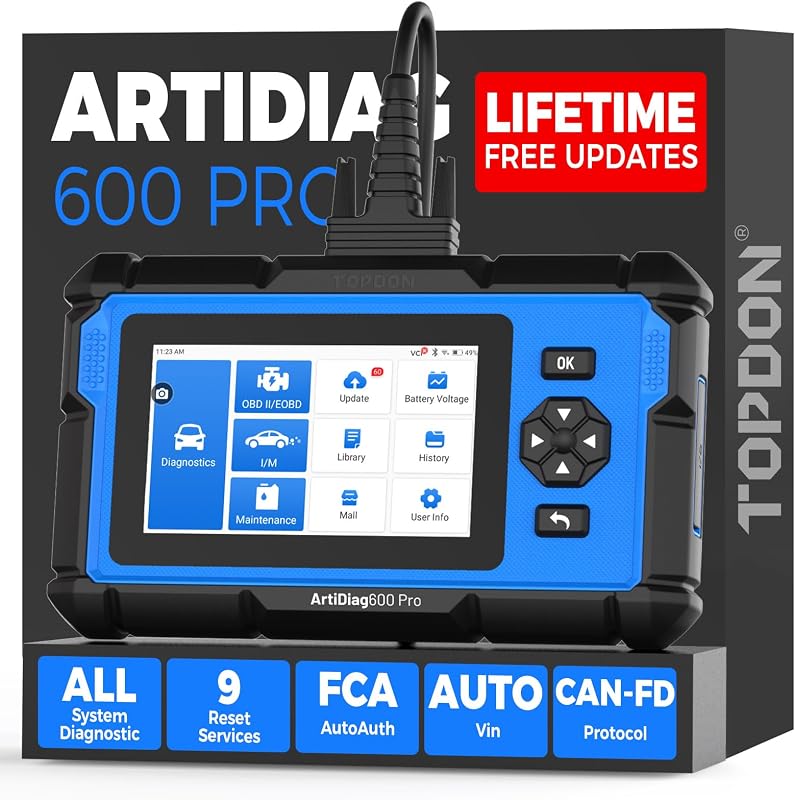
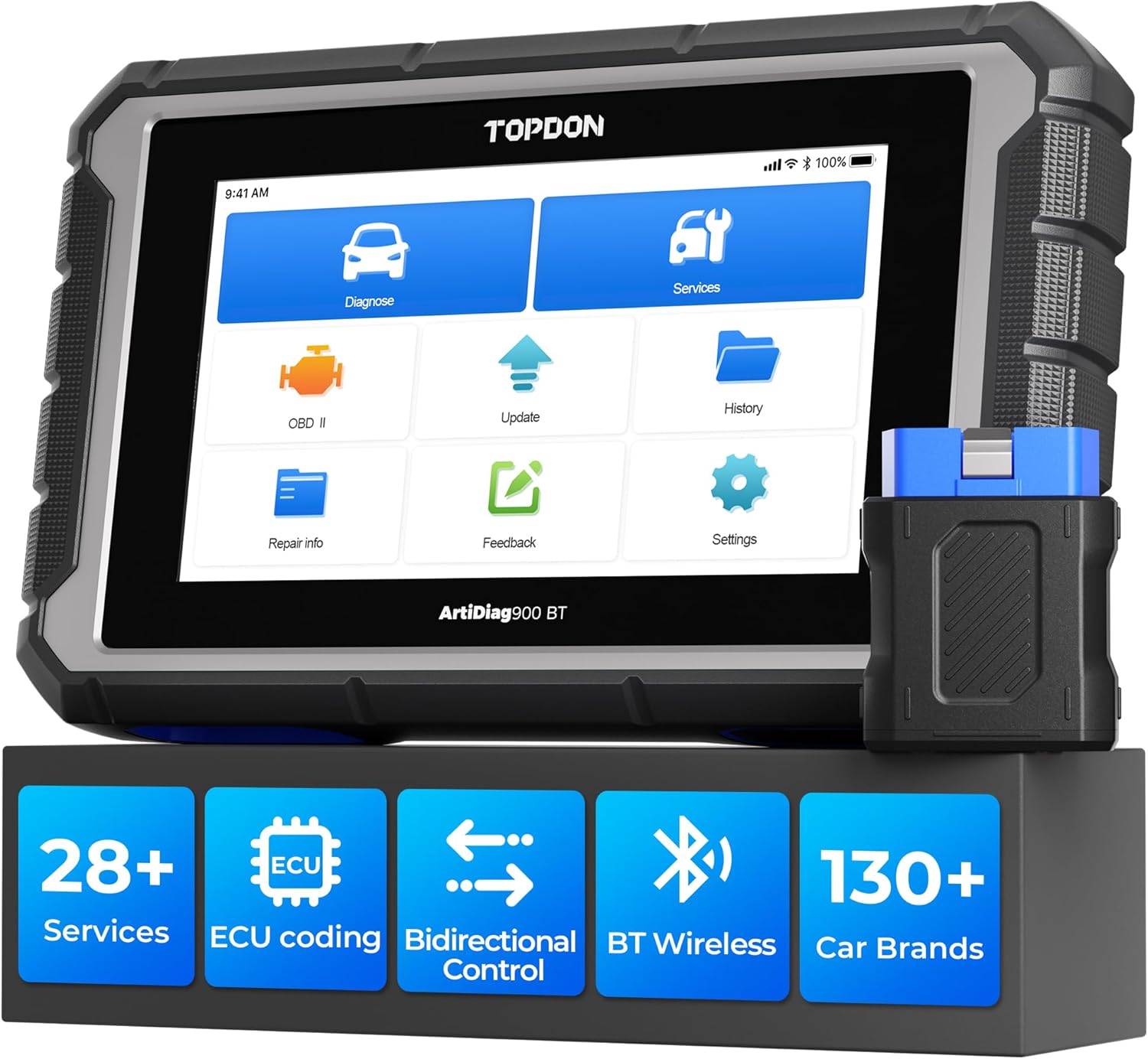
TOPDON does not currently offer a dedicated Phoenix Elite for Tesla. The multi-brand scanners below cover engine, ABS, SRS, and transmission on 100+ vehicle brands including Tesla. Use our <a href="/scanner-finder/">Scanner Finder</a> or <a href="/compare/">Compare table</a> to narrow your choice.
Compatibility note
Tesla high-voltage battery, drive unit, and Autopilot diagnostics are not available through standard aftermarket OBD2 scanners. Manage expectations before purchase.
Related resources
<a href="/shop-by-brand/">Shop by vehicle brand</a> · <a href="/dtc-codes/">DTC code guide</a> · <a href="/service-guides/">Service how-to guides</a> · <a href="/scanner-finder/">Find a scanner wizard</a>