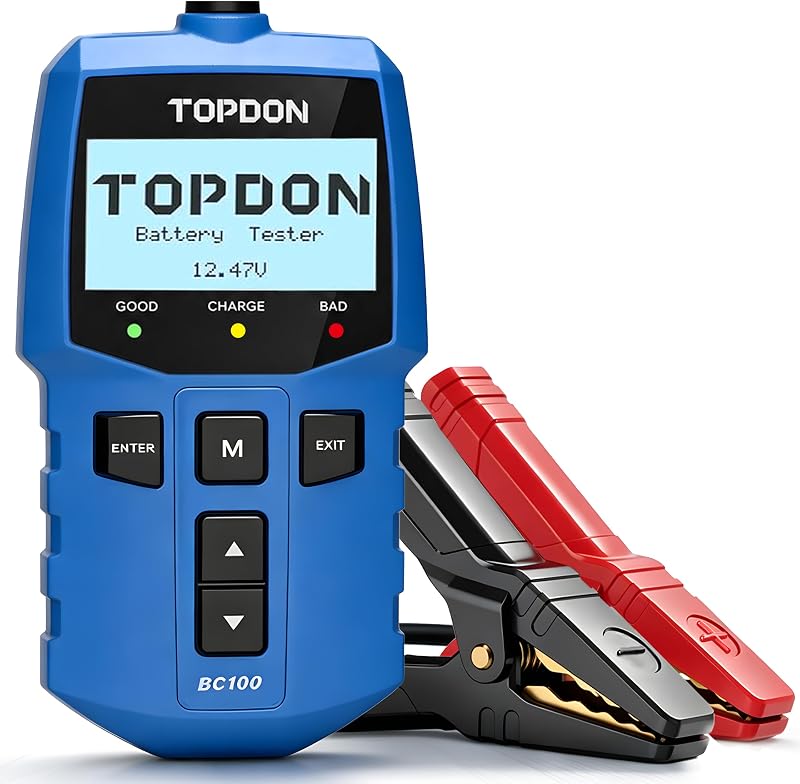
Hybrid and electric vehicles rely on a 12V auxiliary battery to wake computers and enable the high-voltage system. A weak 12V battery causes mysterious U-codes and no-ready states even when the traction battery is fine.
Systems involved
- 12V auxiliary battery
- DC-DC converter
- Body control / gateway modules
Step-by-step procedure
- Turn ignition off and connect TOPDON BT100 Pro or BT600 Plus to the 12V battery terminals.
- Run battery test — check CCA, state of charge, and state of health.
- If 12V is marginal, load-test again with ignition ON (lights and fans on) if safe.
- Scan for U-codes and P0562 with TOPDON OBD2 tool — clear after 12V replacement if present.
- On Toyota/Lexus hybrids, verify ready state after 12V replacement — some need specific idle period.
- Retest charging voltage at 12V terminals with engine or ready mode — typically 13.5–14.5V.
Important warnings
- Never touch orange high-voltage cables — work only on the 12V system unless trained on HV safety.
- Use the correct AGM 12V battery type specified for your hybrid model.
Related guides
<a href="/bmw-battery-registration/">BMW & Mini Battery Registration with a Scan Tool</a>