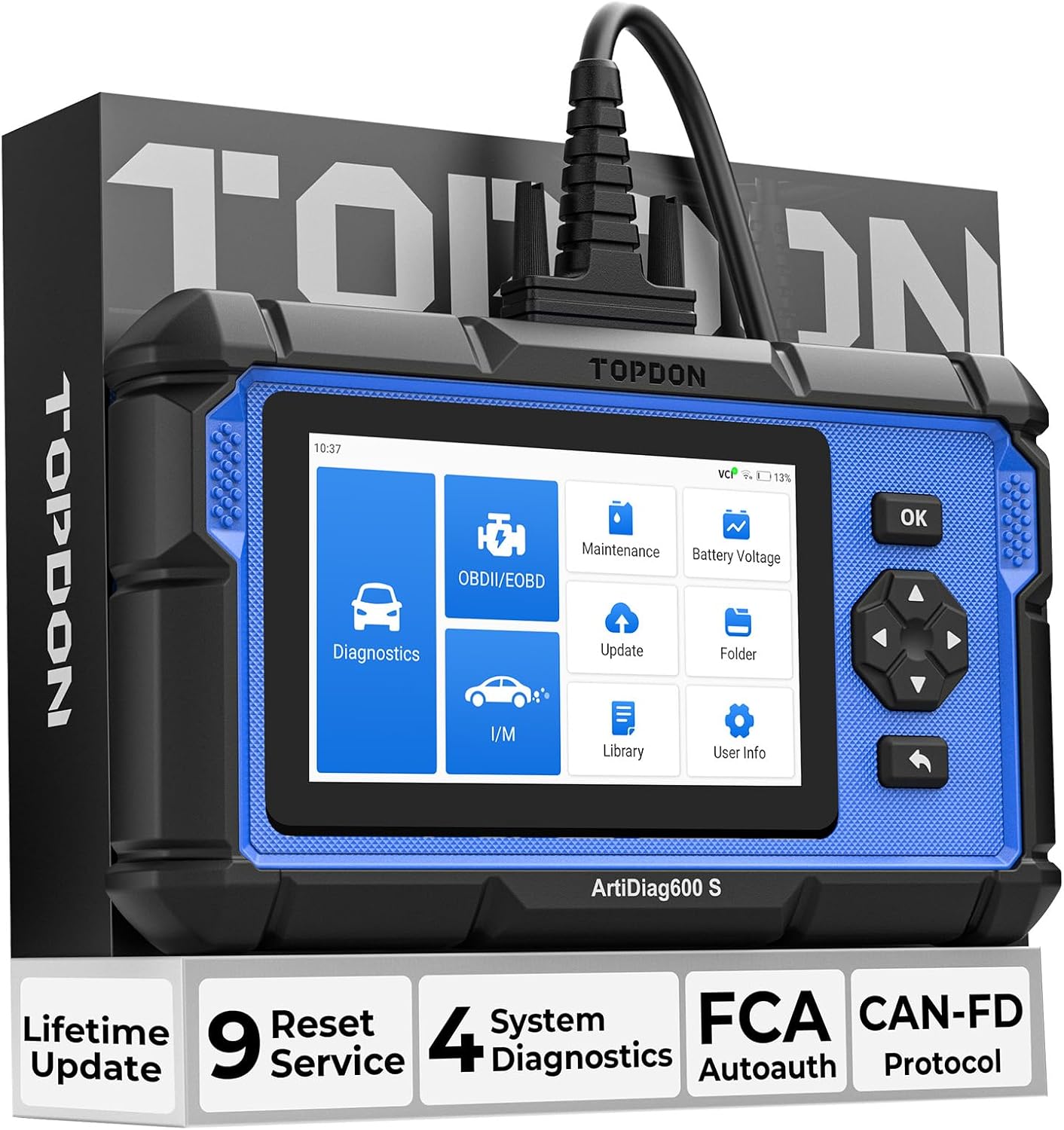
Electronic parking brake (EPB) calipers must be retracted before rear brake pad replacement. Without scan-tool service mode, you risk damaging the actuator motor.
Systems involved
- ABS/ESP
- Parking brake actuator
- Rear brake calipers
Step-by-step procedure
- Park on level ground, chock the front wheels, and loosen the lug nuts on the rear wheels slightly.
- Connect your TOPDON scanner and select EPB / Parking Brake Service from the service menu.
- Choose your vehicle and enter maintenance mode — the caliper pistons will retract electronically.
- Once retracted, remove the rear wheels and replace brake pads and hardware as needed.
- Reassemble calipers and wheels, then use the scanner to exit service mode and apply the EPB.
- Pump the brake pedal and verify parking brake hold before driving.
Important warnings
- Never force EPB caliper pistons back with pliers — use the scan tool service routine.
- Disconnecting the battery may require additional calibration steps after EPB service.
Related guides
<a href="/abs-auto-bleed-scan-tool/">ABS Auto-Bleed with a TOPDON Scanner</a> · <a href="/sas-steering-angle-calibration/">Steering Angle Sensor (SAS) Calibration Guide</a>