Diesel particulate filters load with soot during short trips. When passive regen cannot complete, a forced regeneration through a scan tool burns off accumulated soot before the filter blocks or the vehicle derates.
Systems involved
- Diesel aftertreatment
- DPF
- Engine management
Step-by-step procedure
- Park outdoors on level ground away from buildings — regen exhaust temperatures exceed 600°C.
- Ensure fuel tank is at least 25% full and no flammable materials are near the tailpipe.
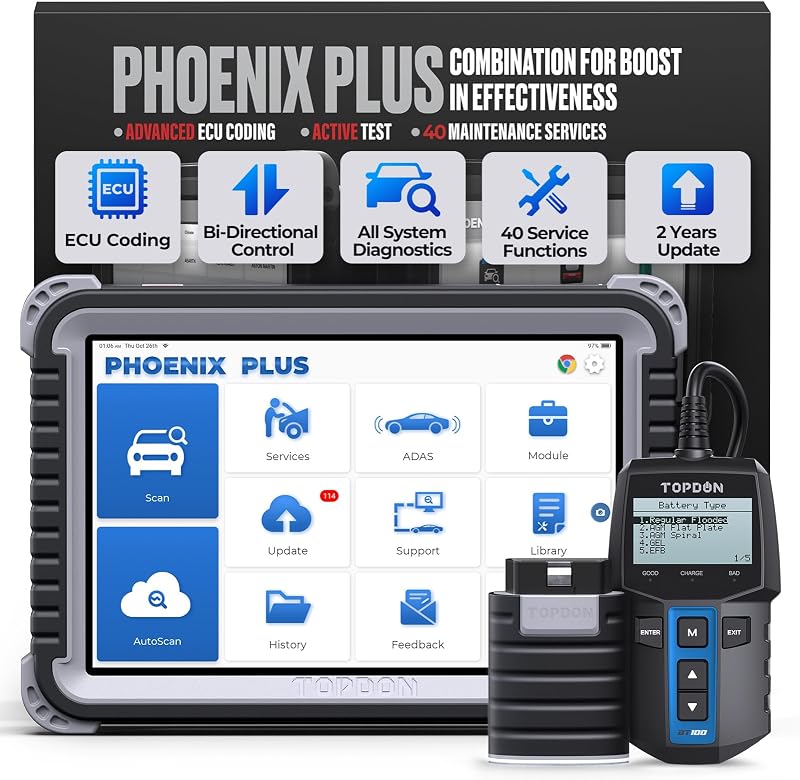
- Connect TOPDON HD500 or compatible diesel scanner and read DPF soot load percentage.
- Select Forced DPF Regeneration / Stationary Regen from the diesel service menu.
- Follow prompts: engine may idle high for 20–40 minutes — do not interrupt.
- After completion, verify soot load dropped and clear related P2463/P2002 codes if repaired.
Important warnings
- Never run forced regen in a closed garage — risk of fire and carbon monoxide poisoning.
- If regen fails repeatedly, inspect DPF pressure sensors and EGR before replacing the filter.
Related guides
<a href="/oil-reset-service-light/">How to Reset the Oil Service Light with a TOPDON Scanner</a>