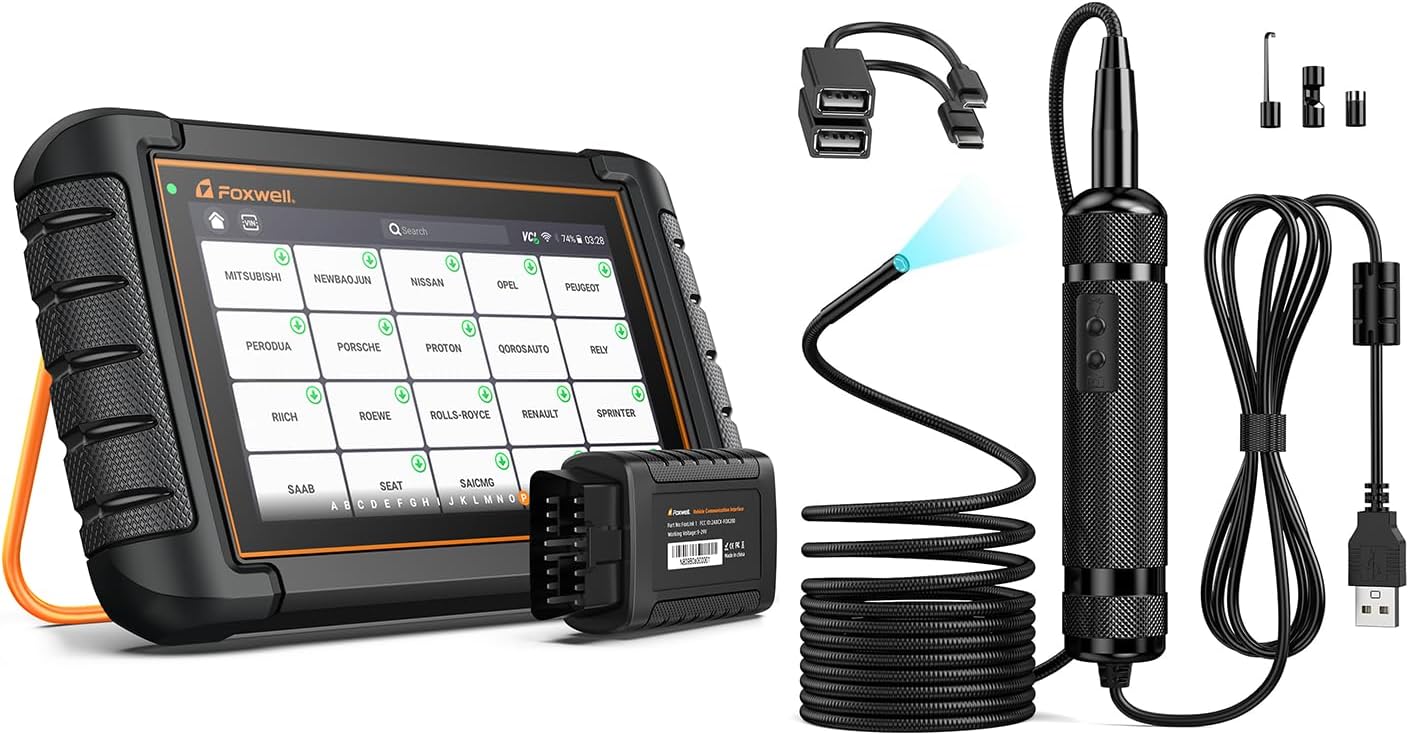
BMW and many European vehicles require battery registration after replacing the main battery. The ECU adjusts charging profiles based on battery age and type — skipping registration can shorten battery life.
Systems involved
- Engine ECU
- IBS (Intelligent Battery Sensor)
- Charging system
Step-by-step procedure
- Install a compatible replacement battery (AGM if the original was AGM) with correct capacity and CCA.
- Connect your TOPDON ArtiDiag510 Elite (BMW) or compatible full-system scanner.
- Navigate to Body / Power Management / Battery Registration (menu path varies by chassis).
- Enter the new battery capacity (Ah) and type as prompted.
- Complete registration and clear any stored energy-management fault codes.
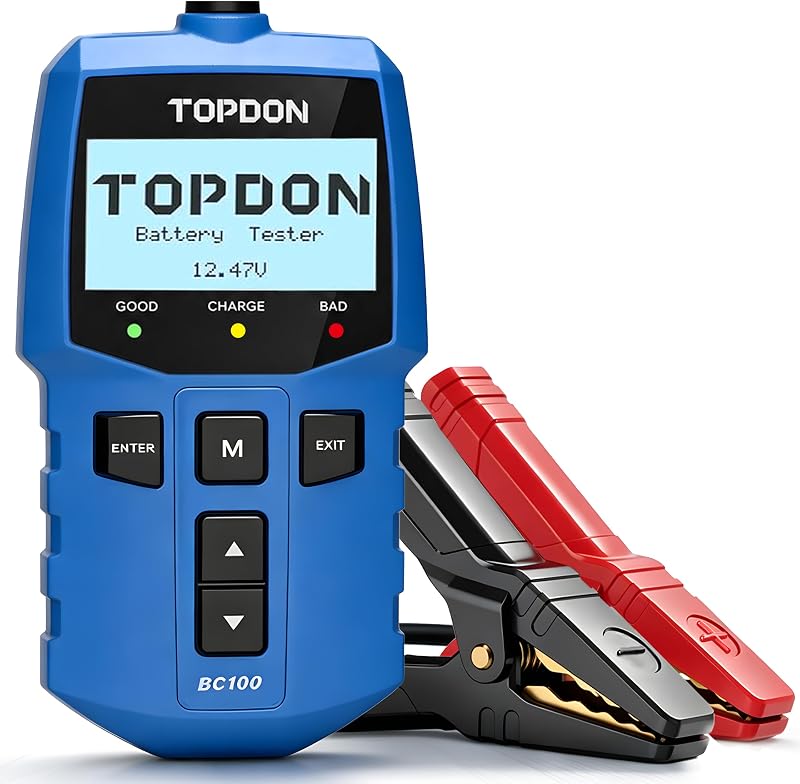
- Verify charging voltage with a multimeter or battery tester — typically 13.5–14.5V at idle.
Important warnings
- Use the correct battery type — registering an AGM profile on a flooded battery causes overcharging.
- Some newer BMW models require dealer-level tools for full registration; verify TopScan Pro coverage for your year.
Related guides
<a href="/oil-reset-service-light/">How to Reset the Oil Service Light with a TOPDON Scanner</a>