After brake hydraulic service on ABS-equipped vehicles, manual bleeding may leave air in the ABS modulator. Scanner-guided auto-bleed cycles the pump and valves to purge trapped air.
Systems involved
- ABS hydraulic unit
- Brake circuits
- ESP module
Step-by-step procedure
- Complete mechanical brake service — new fluid, tightened lines, proper fluid level.
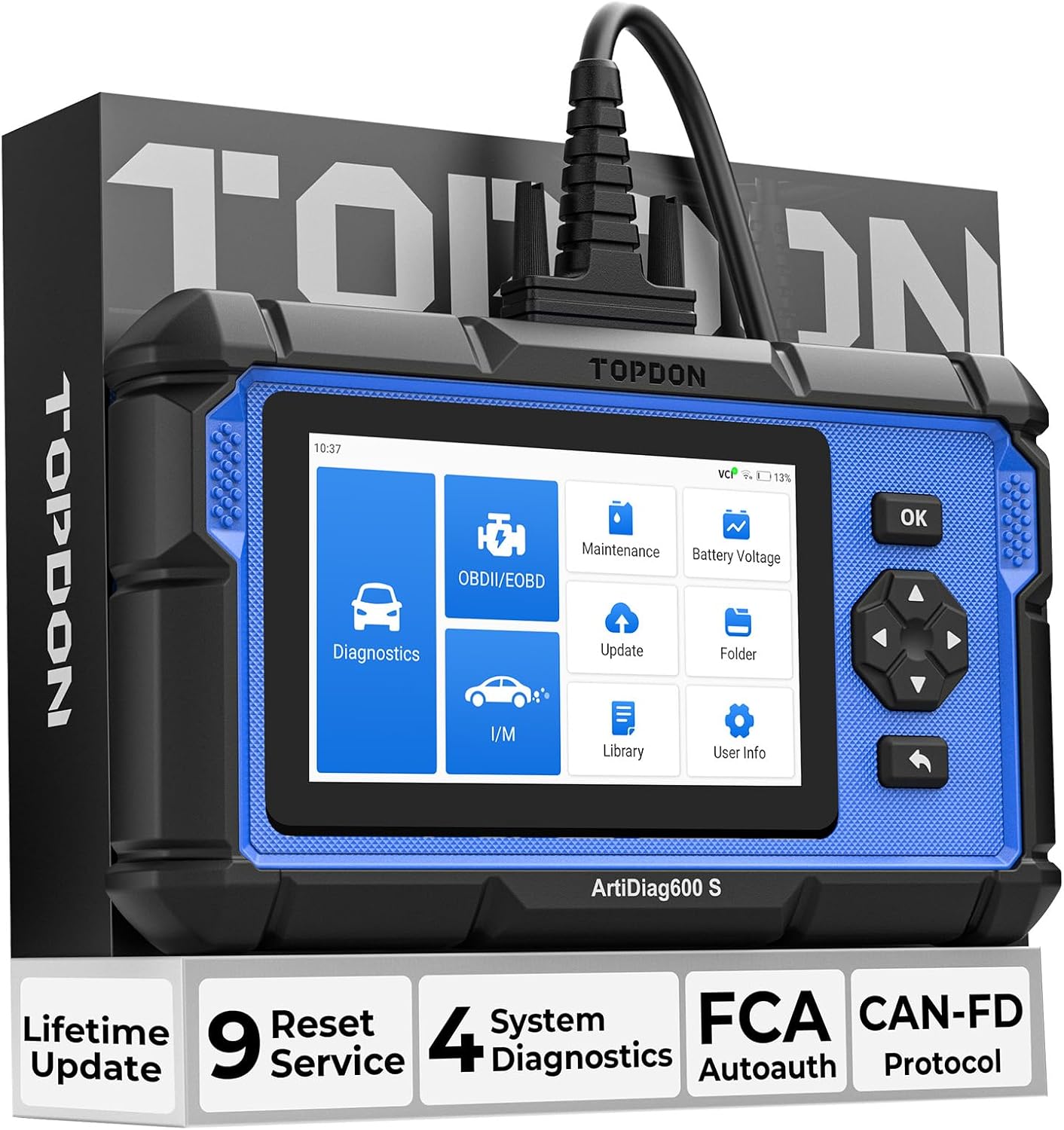
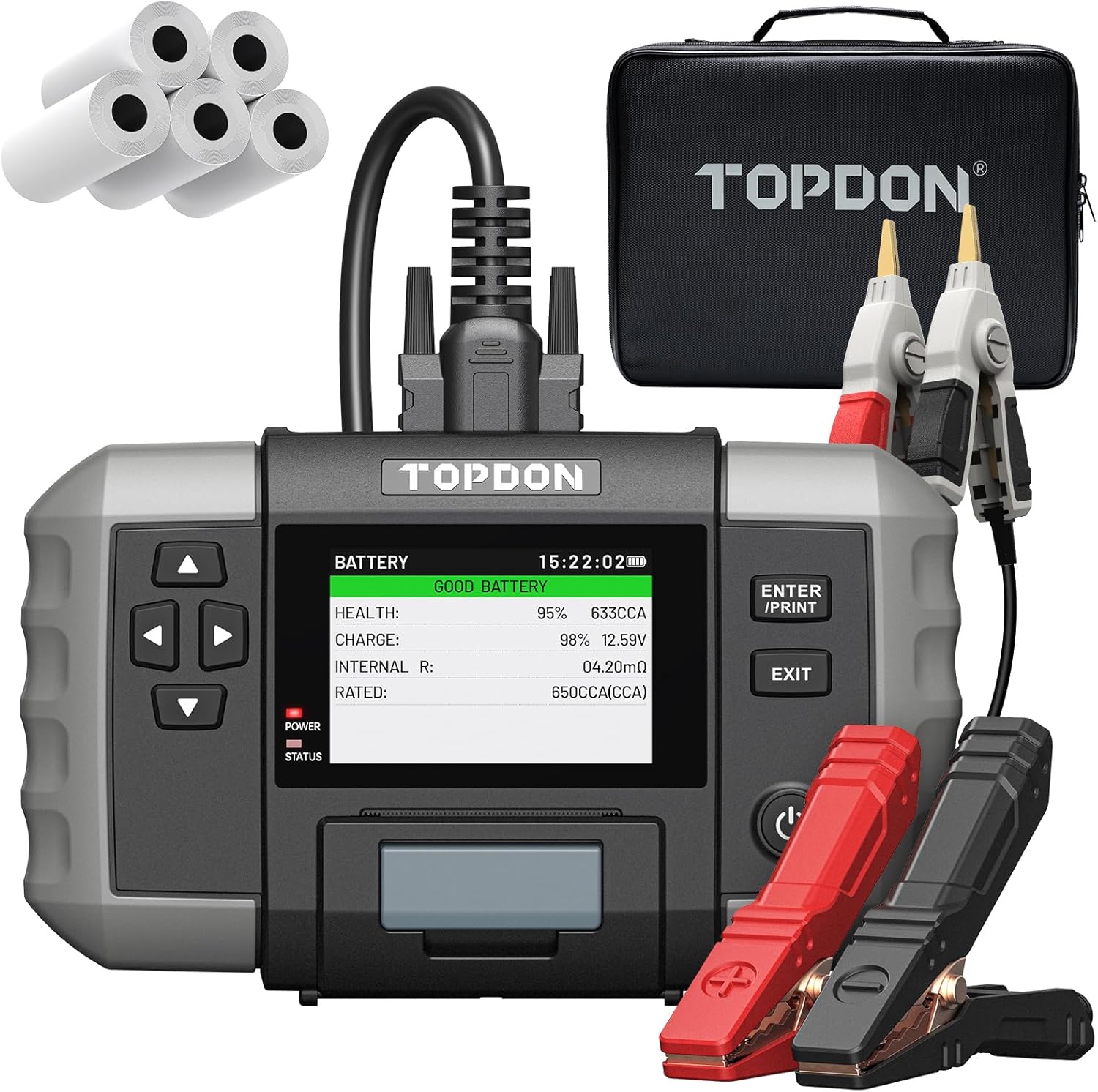
- Connect TOPDON ArtiDiag630 Plus, ArtiDiag600 Pro, or BT600 Plus where ABS bleed is supported.
- Select ABS Bleeding / Auto Bleed from the service menu for your vehicle make.
- Follow prompts — scanner may ask you to open bleed screws in sequence while pump runs.
- Maintain fluid level in reservoir throughout the procedure.
- Clear ABS codes, test pedal feel, and verify ABS light is off after a short drive.
Important warnings
- Brake system safety critical — if pedal remains soft, do not drive until resolved.
- Verify your TOPDON model supports ABS bleed for your specific make and year.
Related guides
<a href="/epb-retract-electronic-parking-brake/">EPB Retract: Electronic Parking Brake Service Mode</a>